B-Admin-Time
The “Stats” panel in a group — what admins see and what members see
 Adam ·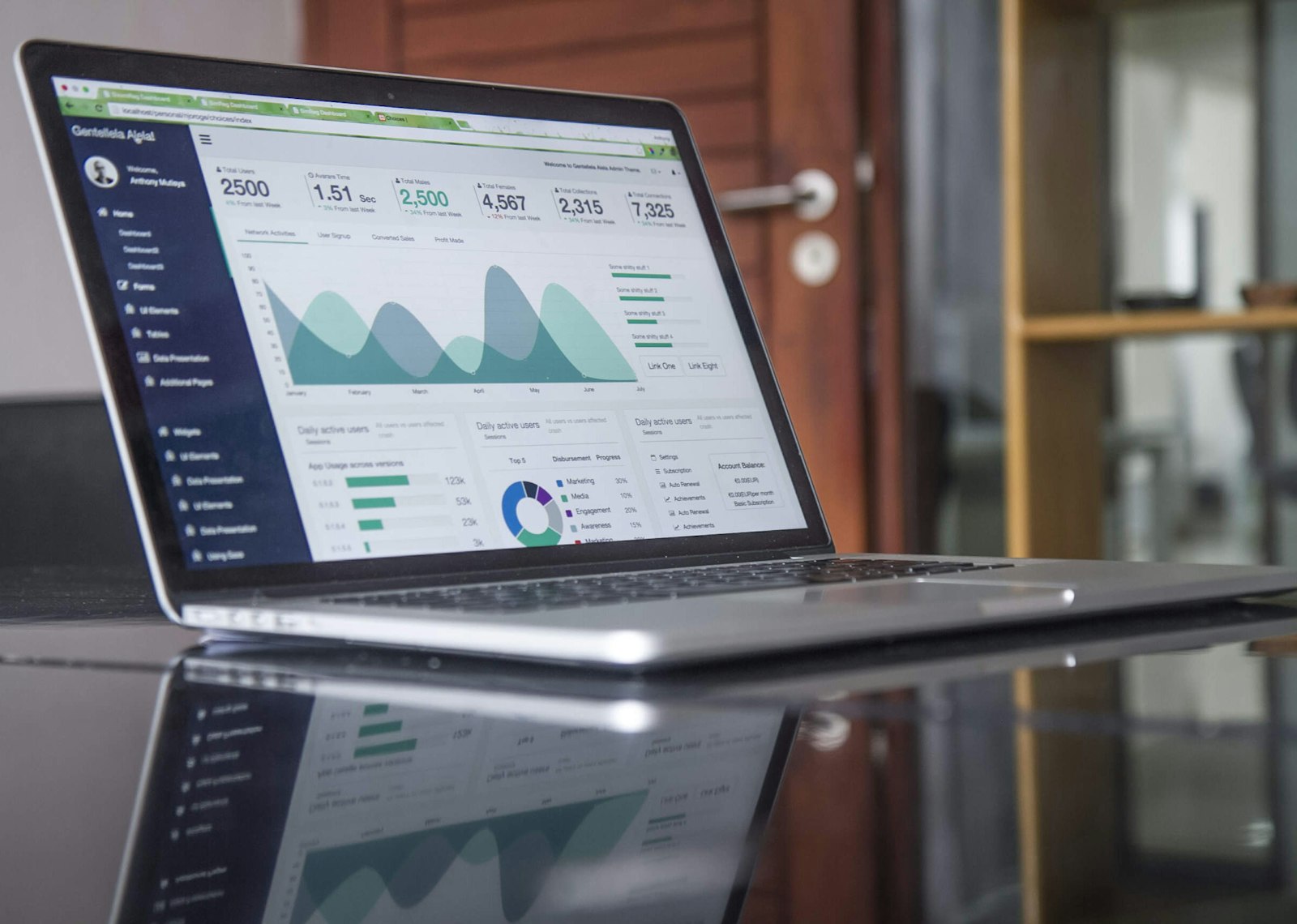
In B-Admin-Time, statistics show up in three places: in the “Stats” panel for admins, in the “Ranking” tab for all members, and in “My statistics” in your profile. Each answers a different question.
“Stats” — the admin view
Only group admins can see the panel (Pro plan). At the top are four counters covering the group's whole history: sessions played, total attendances, the number of no-shows and the sum of confirmed payments. Below is a chart of the number of sessions in each of the last 12 months and a table of the most active players — the 15 people with the most sessions, along with their number of no-shows. It's a quick way to gauge the group's health and spot people who regularly don't show up to sessions.
“Ranking” — for all members
The “Ranking” tab (Pro plan) is visible to all members. The “Activity” card shows sessions, attendance (presences divided by the sum of presences and no-shows), rating and the streak of consecutive weeks with a game — separately for the current month and for all time. If the group records match results, you also get “Top players” (from 3 matches), “Head-to-head” with the history of two chosen players, “Strength ranking (ELO)” separately for singles and doubles, “Top pairs” and a list of all results with date and match type filters.
“My statistics” — your own data
Every player — in every plan — also sees their own statistics in their profile: sessions played, no-shows, cancellations, attendance rate, hours on court, activity over the last 12 months, a breakdown by time of day and the people they play with most often. “Game statistics” add the match balance, best partners and toughest opponents.
More about the ranking: ELO ranking, head-to-head history and badges. Create a group — 14 days free, no card required.
Frequently asked questions
Who sees the “Stats” panel?
Only group admins, in the Pro plan. In the same plan, all members see the “Ranking” tab, while every player has their own statistics in their profile in every plan.
Can the “Stats” panel be filtered by date?
The counters show the group's whole history, and the chart shows the last 12 months. Date and match type (singles or doubles) filters are available on the list of all results in the ranking.
How many matches do you need to play to appear in the ranking?
At least 3 matches in the top players list and 3 games of a given type in the ELO strength ranking.
Where does the data in the panel come from?
The counters are calculated from the sessions, sign-ups and payments handled in the app, so there's nothing to enter separately.
How is attendance calculated?
As the number of presences divided by the sum of presences and no-shows, rounded to whole percent.