 B-Admin-Time
Blog — running a sports group
RSSPractical guides for private sports groups — from organizing sessions to splitting costs and friendly competition.
 Short of players? Open your session to people outside the group
Adam ·
When a session still has free spots and nobody in the group is available, an admin can open it to players from outside the group — listed under “Games nearby” or by link only. How it works and when it makes sense.
 Group invitations: link, QR code and admin approval
Adam ·
Single-use or multi-use invite links with a people limit, QR codes and optional admin approval — how to bring new players into a group in B-Admin-Time.
 Session settlement: venue price list, playing time and extra costs
Adam ·
How B-Admin-Time works out who pays how much: the price from the venue's price list, a split by playing time, card discounts and extra costs like shuttlecocks or a trainer.
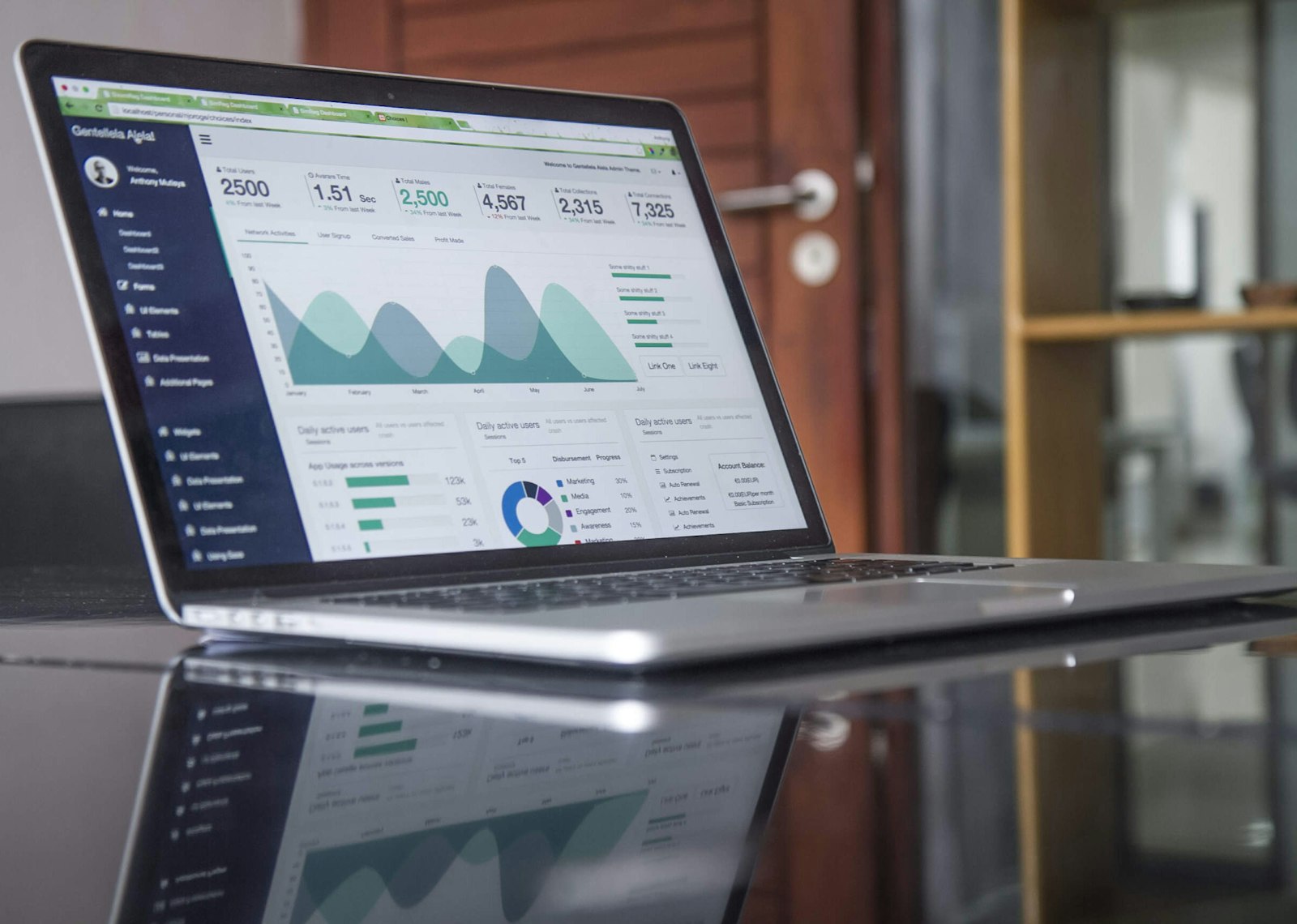 The “Stats” panel in a group — what admins see and what members see
Adam ·
Session and attendance totals, a monthly chart and the most active players — what the “Stats” panel is and how it differs from the ranking and personal statistics.
 Rating players after a session — anonymous, on a 1–5 scale
Adam ·
After a session, players can anonymously rate their fellow players with stars. How the rating window works, what shows up in the ranking and how to turn the feature on.
 Extra fees: late cancellation and late payment
Adam ·
A tiered late cancellation fee, a late payment fee, a block for overdue payments and a no-card surcharge — what you can turn on in a group and how it works.
 Sports cards in settlements: modes and swipe limits
Adam ·
An individual card discount or an equal split with a surcharge — how to choose the card billing mode for Multisport and Medicover cards, and what the swipe limit is.
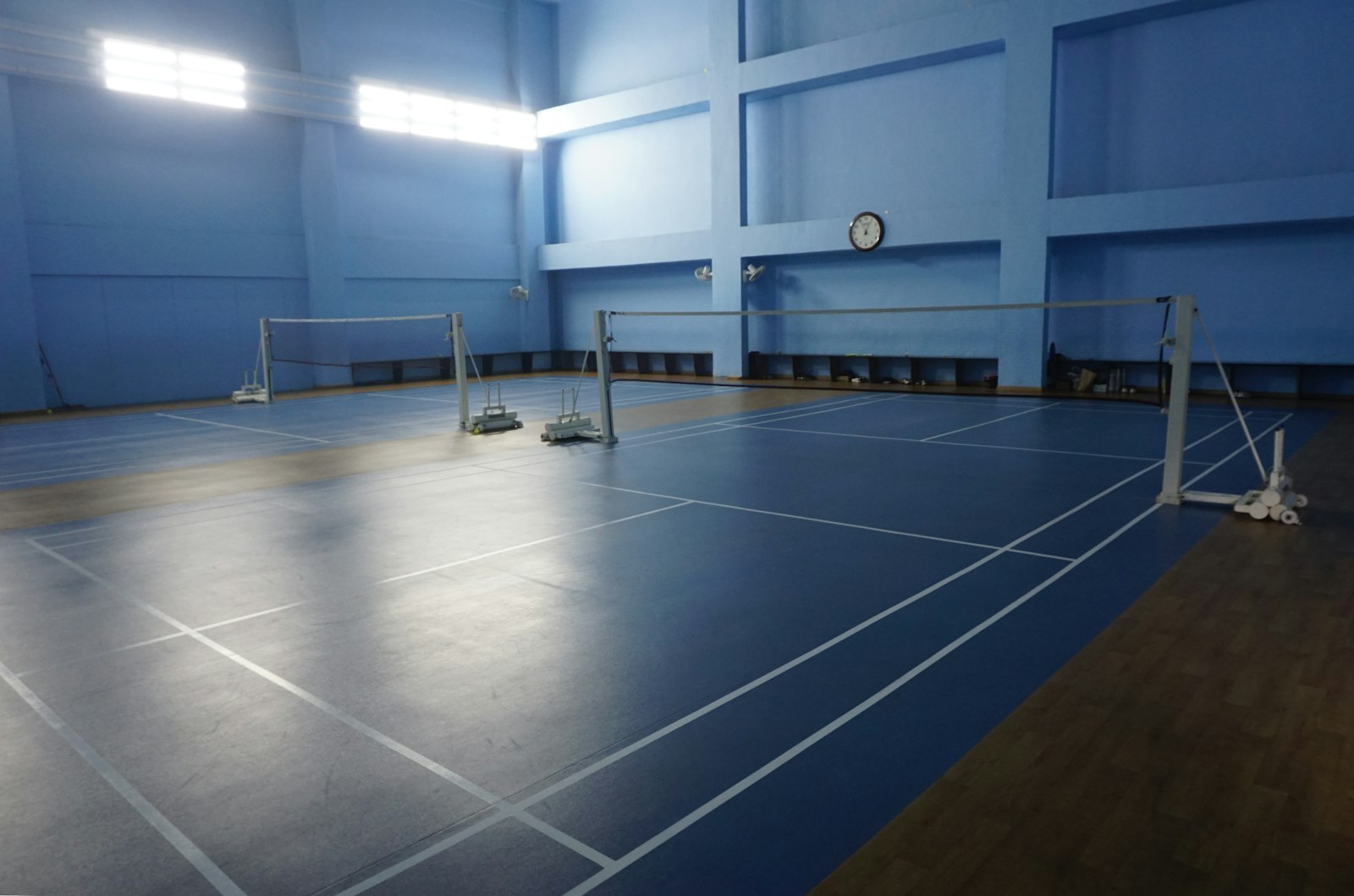 Penalties for no-shows — when they apply and how to configure them
Adam ·
The no-show window, finding a replacement, a proportional penalty or a fixed amount — how B-Admin-Time handles absences at a session.
 Group visibility: public, closed or private?
Adam ·
Three visibility levels decide who can find your group and how they can join it — from free joining to invitation-only.
 Admin in one group, regular member in another — how roles work
Adam ·
A role in B-Admin-Time is assigned to a group, not to an account — in one group you can run it, and in another you can simply play.
 A guest at a session — how to add someone who has no account in the app
Adam ·
You do not have to move the whole group over at once or create an account for every one-time player — here is how to add a guest to a session in B-Admin-Time.
 Session summary: MVP, the closest match and other highlights
Adam ·
After every session with recorded results, the app works out the highlights on its own — who was the MVP, which match was the closest and who pulled off the biggest upset.